
How to Fix the Home Button & Keep Your Launcher Active
Tired of your TV reverting to the old, ad-filled stock launcher? On many devices like Nvidia Shield, Sony, and Xiaomi, the system tries to block custom launchers. The easiest way to fix this and reclaim your Home Button is by using our specialized mapping tool.
Step 1 of 4 (On TV)
Button Mapper TV Seniors Help

Step 2 of 4 (On TV)
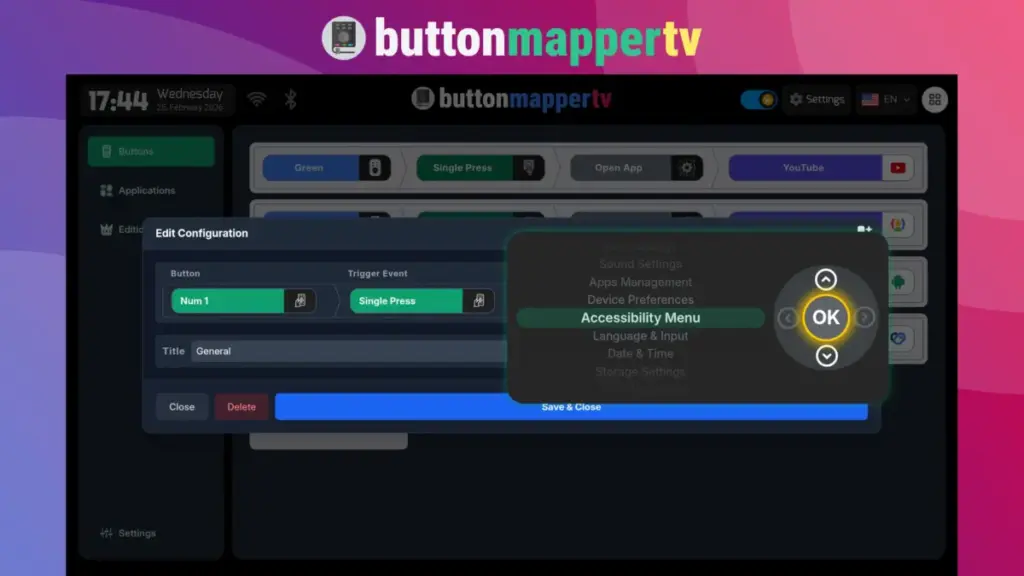
Install Button Mapper TV Seniors Help
Install: Download the app from the Play Store on your Android TV or TV Box. Follow the steps to complete the installation.
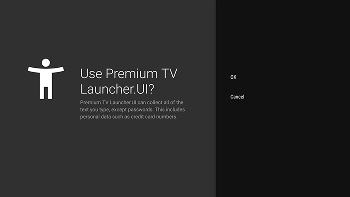
It uses Accessibility Services to detect the remote control input.
Step 3 of 4 (On TV)
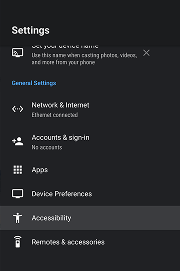
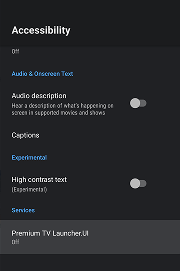
Open TV Setings
Step-by-Step Guide
Option 2: Sideloading the Full Version (For Non-Play Store Devices)
Another way to ensure your launcher stays active is by installing the Full Sideload Version of the app. This version is specifically optimized to handle Home Button events internally on many TV boxes.
When to use this: We recommend this method only if your TV Box does not have Google Play Store support or if you are using an “open” Android OS (AOSP) device.
Get Full Version & Fix Home Button
Due to Google Play Store and other app store restrictions, the standard version cannot override system buttons automatically. To access this feature and many more advanced capabilities free from limitations, you need the Unlocked Full Version.
Step 1 of 6 (On TV)
Install Send To TV Quick
Step 2 of 6 (On TV)

Open Send To TV Quick
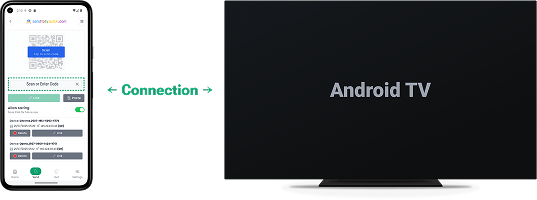
Step 3 of 6 (On MOBILE)
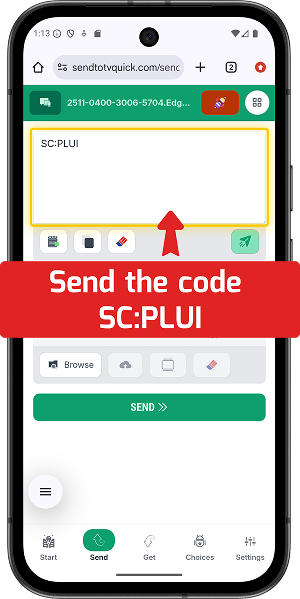
Send the Code: SC:PLUI
Step 4 of 6 (On TV)
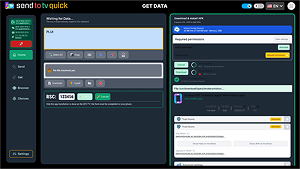
Install Full Premium TV Launcher
The install button will be enabled. Click OK and follow the steps to complete the installation.
This version includes the “Home Button Fixer” module safe for Sideloading. It uses Accessibility Services to detect the remote control input.
* You agree to install apps from unknown sources.
Step 5 of 6 (On TV)
Open TV Setings
Step-by-Step Guide
